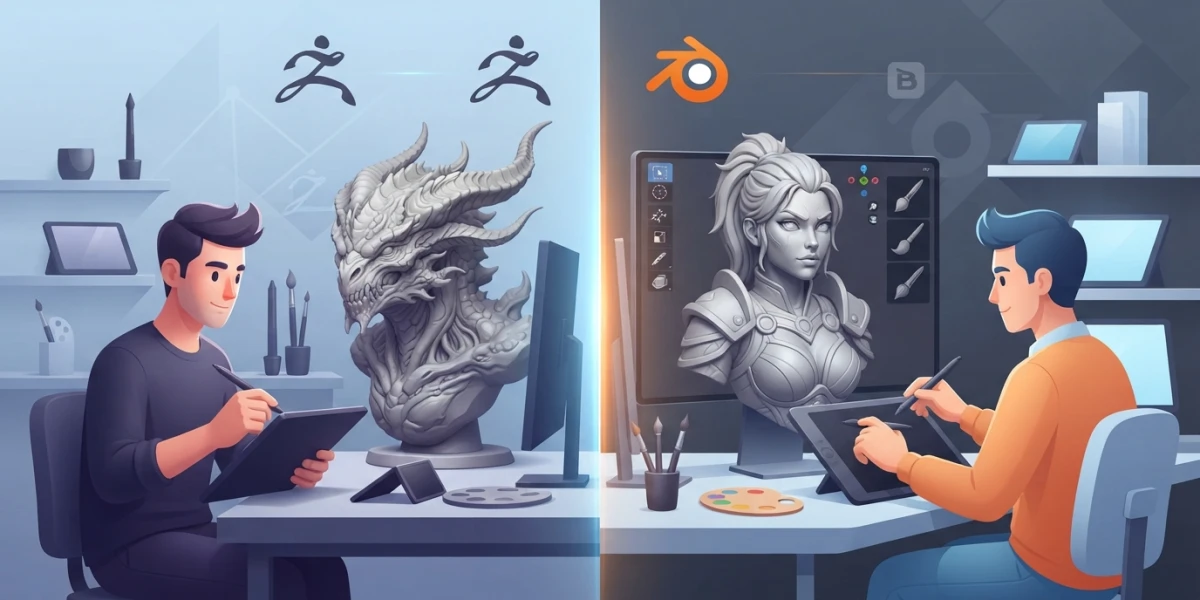
Sculpting in ZBrush or Blender: How to Pick Your Tool in 2026

Diego Cortés
Author
Should you be sculpting in ZBrush or Blender in 2026? The answer is no longer a simple "free versus industry standard": today it comes down to pricing, brushes and workflow. This guide compares both tools with facts so you can pick yours without tribalism.
Two Sculpting Philosophies in 2026
Before comparing features, it helps to understand what each program represents today.
ZBrush: The Dedicated Sculptor
ZBrush remains the reference in high-detail studios and film. It is a tool built exclusively for sculpting: its engine handles extremely high polygon densities, and its brushes have been refined through decades of professional production work.
Blender: The Complete, Free 3D Suite
Blender is an all-around 3D program —modeling, sculpting, animation, rendering and even video editing— that includes sculpting at no cost. It is open source, and its community has pushed it to a level that competes head-on with paid tools.
Pricing and Business Model
ZBrush: Subscription Only Since 2023
Maxon left the perpetual license behind: since the ZBrush 2024 update (November 2023) the program is subscription-based, with a regular price of around 399 USD per year. The subscription includes both ZBrush for desktop and ZBrush for iPad, and it is also available as part of Maxon One. There is a free trial so you can test it before paying.
Blender: Free and Open Source
Blender costs nothing: it is free software under the GPL license, funded by donations and community sponsorship. No features are locked behind versions or payment plans; what you see is what you get, and there is a lot of it.
Sculpting: Brushes and Detail
ZBrush: The Benchmark for Extreme Detail
If your goal is micro-detail —pores, wrinkles, surfaces with history— ZBrush still sets the standard. Its alphas, specialized brushes and polypaint let you work at polygon densities other tools struggle with.
Blender: Dyntopo and Integrated Remeshing
Blender answers with dynamic topology (dyntopo): once enabled, most brushes subdivide the mesh as you stroke, so you add detail exactly where you need it. Voxel remesh and QuadriFlow are built in, letting you go from blocking to fine detail without leaving the program. When it is time to reorganize the final mesh, our guide to retopology in Blender covers the next step.
The 2026 Debate Is No Longer "Free vs Standard"
The gap has narrowed: today the decision rests on real brush behavior, remeshing and topology, not on the logo of the program.
The Complete Workflow
ZBrush Shines at Sculpting, But Needs an External Pipeline
ZBrush handles sculpting and little else: retopology, rigging and rendering usually happen in another application such as Maya or Blender itself. It is one piece of a larger pipeline.
Blender Covers the Whole Journey
With Blender you go from a lump of clay to the final render without switching programs: sculpt, retopologize, rig, animate and light in the same file. For solo artists and small teams, that is a massive advantage.
Which One Should You Choose?
Detail Professional or Studio with an Established Pipeline
If you work in a studio where ZBrush is already the standard and your specialty is high-density detail, the subscription pays for itself.
Student, Hobbyist or Zero Budget
Blender: free and with no feature limits. It is the natural entry point, and you will not have to migrate later if you decide to stay.
Indie Looking for an All-in-One Pipeline
Blender again: a single program for the entire workflow, from idea to final render.
Portability and First Steps
Want to sculpt on iPad or mobile? Nomad Sculpt is the popular choice. Just curious about ZBrush sculpting without paying? ZBrushCoreMini is a solid way to learn the logic of its brushes.
Conclusion
Whether you end up sculpting in ZBrush or Blender in 2026 is a workflow decision, not an act of faith: ZBrush wins on extreme detail and studio standards; Blender wins on price, integration and versatility. If you are starting out, Blender will take you far at zero cost; if production-grade detail is your craft, ZBrush remains the benchmark. Both roads lead to the same place: hours at the digital block. To keep practicing, check out our video tutorials on sculpting, retopology and modeling on the platform.