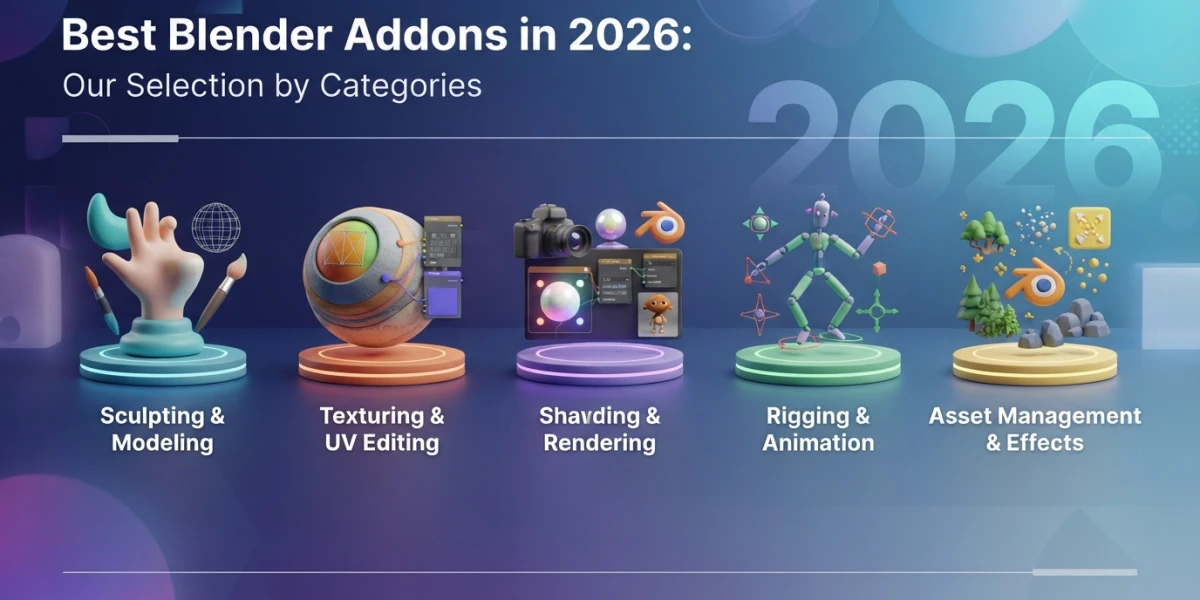
The Best Blender Add-ons in 2026: Our Category Picks

Diego Cortés
Author
The best Blender add-ons in 2026 are no longer hunted in forums: the official Blender Extensions platform centralizes them. This category-based selection includes indicative prices and free alternatives so you never pay for what you already have.
Blender Add-ons in 2026: A Growing Ecosystem
extensions.blender.org: the official channel
Since Blender adopted the extensions system, add-on distribution moved from a mess of personal repositories to a web service maintained by the foundation itself. On extensions.blender.org the community publishes open-source add-ons that install and update directly from Blender's preferences, with no loose downloads and no version compatibility headaches.
A note on prices
The prices cited here are indicative and change over time; the "free+" mark means a free lite version exists or that paid higher tiers are available. Before buying, always check the add-on's current page on the Extensions platform.
Hard Surface and Modeling
Hard Ops (~$38)
The king of box-cutting: slice and reshape geometry at high speed, working non-destructively or destructively depending on what your workflow needs.
MESHmachine (~$45)
A hard surface specialist without subdivision surfaces: turns chamfers into bevels, creates variable fillets and can even un-bevel to iterate on the design.
Fluent: Power Trip (~$29.90)
Non-destructive booleans with modifier stack presets and a customizable menu that speeds up repetitive operations.
Kit Ops 3 (free)
Fast kitbashing with booleans, compatible with many asset packs and great for prototyping concept shapes without committing to a mesh.
UVs and Texturing
Zen UV (~$39)
A complete UV pipeline: transform tools, quad islands, seam groups, checker map and texel density control from a single panel.
UVPackmaster (~$44)
GPU-accelerated UV packing with an advanced stacking algorithm: it makes the most of every island and reduces wasted space in your maps.
Free alternatives
UV Squares turns any selection into perfect rectangles or squares, and Tex Tools offers a solid general UV workflow at no cost.
Retopology and Sculpting
RetopoFlow (~$85.99)
Patching, tweaking, cutting and looping over dense meshes, plus the ability to draw topology with strokes as if you were sketching.
SpeedRetopo (~$10+)
Draw over the mesh and instantly convert the stroke into simplified geometry, ideal for quickly retopologizing organic pieces.
Rigging and Animation
Auto-Rig Pro (~$25+)
Automatic rigging with IK presets for bodies, hands, ropes and wings, including control remapping for existing characters.
Procedural Crowds (~$18+)
More than 20 photoscanned, rigged and animated characters you can direct with a particle system or let walk around randomly.
Simulation
Flip Fluids (~$76)
Stable liquid simulation with whitewater, high viscosity, surface tension and custom force fields for spills, waves and pours.
Cablerator (~$14+)
Generates cables between two geometry zones automatically and lets you simulate them with physics for machine or installation scenes.
Assets and Materials
BlenderKit (free+)
A huge library of assets downloadable from inside Blender: models, materials and HDRIs ready to drag into the scene.
Botaniq (~$2+)
A nature collection with scatter and animation tools to populate believable exteriors.
Extreme PBR Nexus (~$39+)
More than 1800 materials, PBR texture paint, real-time water and micro-displacement for hyperrealistic surfaces.
Realtime Materials (free)
Ducky 3D's procedural material library, designed to work in both Eevee and Cycles.
Utilities That Ship with Blender
Node Wrangler and Rigify
Two of the most used add-ons in Blender's history are included in the distribution: Node Wrangler for lightning-fast node work and Rigify for animation-ready rigs. Enable them in the preferences before paying for alternatives.
Holt Tools (free)
From Curtis Holt: .blend file cleanup and mesh optimization to keep your projects organized and lightweight.
Conclusion
With the Blender add-on ecosystem so mature in 2026, less is more: install only what solves a real problem in your workflow and start with the free options. If you want to master the fundamentals before adding tools, the video tutorials on our platform cover modeling, procedural materials and rigging step by step.